Optimize Your Restaurant’s Google Business Profile: A Checklist for More Visibility on Google Maps
How restaurants, cafés and hotels optimize their Google Business Profile: categories, opening hours, photos, menu, booking link, posts and reviews. Includes a checklist.
By Viktor HolterUpdated: 6 min read
Key points
- Google picks local results by relevance, distance and prominence.
- The most specific primary category is one of the most important settings.
- No keywords in the business name: that breaks Google’s guidelines.
- Fresh photos, weekly posts and answered reviews keep the profile alive.
A restaurant optimizes its Google Business Profile by filling in everything: the most specific primary category, exact opening hours including holidays, menu, booking link, fresh photos and regular posts. On top of that, it replies to every review. It matters because for searches like “Italian restaurant near me”, Google shows a map with three businesses at the top, and whoever appears there gets a large share of the calls, direction requests and bookings.
The profile is free, but many venues only fill it in halfway. This guide shows step by step what to set up, and ends with a checklist.
How Google picks local results
Google itself names three factors for local ranking:
- Relevance: how well your profile matches the search. Complete information, the right categories and a good description help here.
- Distance: how far your venue is from the searcher or the searched location. You can’t influence this.
- Prominence: how well known your business is, online and offline. This includes the number and rating of reviews, links and mentions across the web.
You can actively improve relevance and prominence. That’s what the rest of this guide is about.
1. Name, address and phone number
Use exactly the name your venue uses on the door, your website and your menu. Don’t add keywords to your name, e.g. “Bella Vista – Best Pizza in Manchester”. It violates Google’s guidelines and can get your profile suspended.
Your address and phone number should be identical everywhere online: your website, booking platforms and business directories.
2. The right categories
Your primary category is one of the most important settings of all. Choose the most specific one that fits: “Italian restaurant” rather than just “Restaurant”, “Café” or “Breakfast restaurant”, “Cocktail bar” rather than “Bar”. Add secondary categories for additional offers, such as “Pizza restaurant”, “Wine bar” or “Caterer”, but only if they genuinely apply.
3. Opening hours, including holidays
Nothing frustrates guests more than a closed restaurant that Google says is open. Keep your regular hours current and add special hours for public holidays, closures and events in good time. If you offer kitchen hours, breakfast or lunch service, you can add those as additional hours.
4. Description
You have 750 characters to describe your venue. Use them for what makes you special: cuisine, signature dishes, atmosphere, location, terrace, events. Write for people, not search engines. The important terms will appear naturally. Links and promotional claims like discounts don’t belong in the description.
5. Attributes
Attributes are small details that help guests decide and can matter for filtered searches: outdoor seating, wheelchair-accessible entrance, vegetarian options, card payments, Wi-Fi, dog-friendly, reservations recommended. Go through the full list once and review it whenever something changes.
6. Menu and booking link
- Menu: add a link to the menu on your website or maintain your dishes directly in the profile. Photos of the menu alone aren’t enough, as they quickly go out of date.
- Bookings: link your booking page. If your reservation system is connected to Google, a “Reserve a table” button can appear.
- Orders: if you offer takeaway or delivery, link those too.
7. Photos
Photos often decide whether someone clicks on your profile. Upload your own, current pictures regularly:
- Logo and cover photo that shows your venue at a glance
- Exterior, so guests can find the entrance
- Interior at different times of day, including terrace and private areas
- Food and drinks, ideally in daylight
- Your team at work
Guests upload photos too. Good photos of your own make sure blurry phone snaps don’t define how you look.
8. Posts
Posts (updates, offers, events) show that your profile is alive: daily specials, seasonal menu, wine night, Christmas parties, gift vouchers. They appear on your profile and give guests a current reason to come by. Once a week is a good rhythm. Many ideas from our guide on Instagram for restaurants work here too.
9. Collect and respond to reviews
The number, average and recency of your reviews affect your prominence on Google and guests’ decisions. Actively ask for reviews, reply to every single one and handle criticism with confidence. Our guides on responding to Google reviews and handling negative reviews show how, and how to get more Google reviews covers asking for them.
10. Measure performance
Under “Performance” in your profile you can see how many people viewed it, which searches they used to find you and how many called, requested directions or visited your website. Check once a month to see whether new photos, posts or more reviews are making a difference.
Ranking higher on Google Maps: what else counts
Once your profile is complete, these points largely decide whether you appear in the top three for “restaurant near me” or “pizza [neighbourhood]”:
- A steady flow of new reviews: a regular stream counts for more than a burst in spring followed by months of nothing. How to get there: how to get more Google reviews.
- What guests write: when guests mention “pasta”, “brunch” or “terrace” in reviews, Google understands better what your venue is about. You can’t steer what guests write, but you can choose what you pick up on in your replies.
- Replying to reviews: Google explicitly recommends replying to reviews. For guests, it’s also a visible sign that the venue is active.
- Your website: name, address and phone number as on the profile, the menu as text rather than only a PDF, and your neighbourhood or street in a sentence on the homepage.
- Mentions around the web: local press, city guides, food guides and directories with the same details as your profile.
- Activity: new photos and posts show Google and guests that your details are current.
You can’t influence the distance to the searcher. Someone two streets away sees different results from someone across town, so don’t only check your ranking from behind your own bar.
What doesn’t help and does harm: keywords in your name, a second profile for the same address, bought reviews and reviews from your own team. These can get your profile suspended.
Frequently asked questions
How much does a Google Business Profile cost?
Nothing. The profile is free. You need a Google account and have to verify that you run the business.
Which category should a restaurant choose?
The most specific one that fits, for example “Italian restaurant” instead of just “Restaurant”. Only add extra categories like “Pizza restaurant” or “Wine bar” if you really offer them.
How often should I publish posts?
Once a week is a good rhythm: dish of the day, seasonal menu, events or gift vouchers.
Do reviews help ranking?
Yes. Google counts the number and rating of reviews towards prominence, one of the three local ranking factors. Reply to every review, including the critical ones.
Checklist
- Profile verified and owner access secured
- Name without extra keywords
- Address and phone number identical everywhere
- Specific primary category and fitting secondary categories
- Regular and special opening hours maintained
- Description of up to 750 characters
- All applicable attributes selected
- Links to menu, bookings and website
- Current photos of exterior, interior, food and team
- Regular posts
- Every review answered
- A monthly look at performance stats
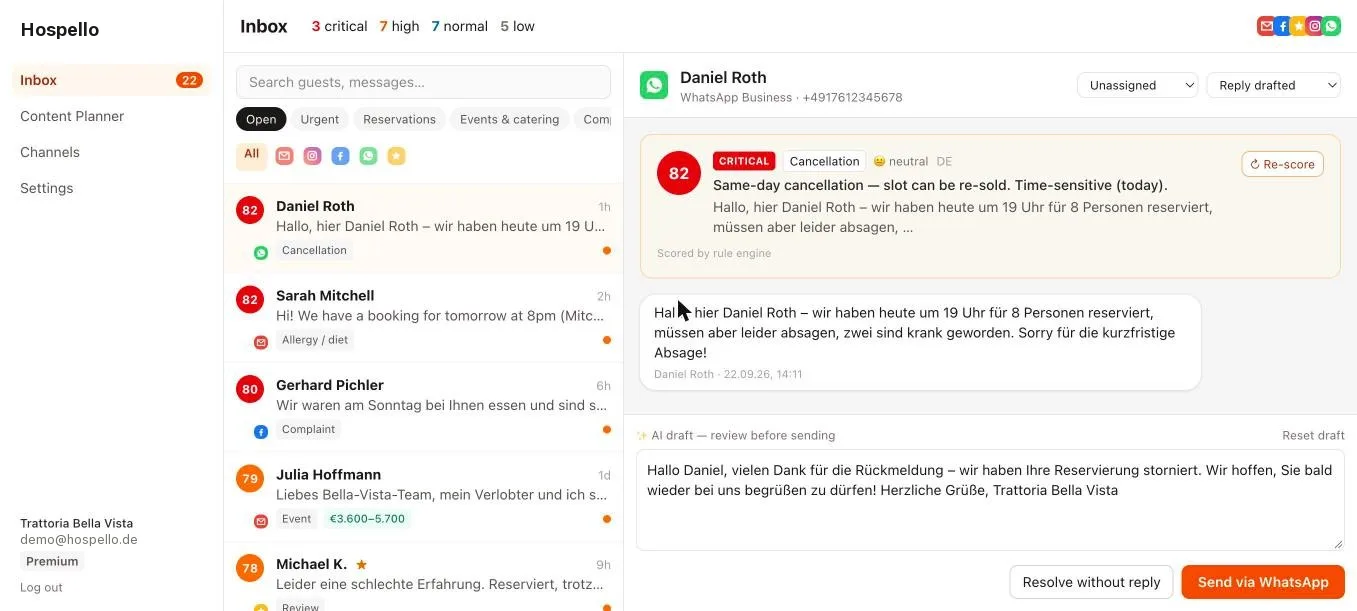
With Hospello, your Google reviews land in the same inbox as WhatsApp, Instagram, Facebook and email. The AI moves critical reviews to the top and suggests replies your team reviews and sends. During setup, Hospello also reads your Google listing and website and builds the knowledge base the AI uses to answer guest questions.