Instagram for Restaurants: Profile Tips, Content Ideas and a Posting Plan That Lasts
Instagram marketing for restaurants, cafés and bars: optimize your profile, 15 content ideas, a realistic weekly plan, key dates in the year, and answering DMs quickly.
By Viktor HolterUpdated: 5 min read
Key points
- A complete profile: a keyword in the name field and a booking link in the bio.
- Consistency beats volume: three fixed posts a week rather than months of silence.
- Short videos from the kitchen and bar reach people who don’t follow you yet.
- Direct messages are booking requests: reply fast, and check message requests too.
A restaurant succeeds on Instagram with three things: a complete profile with a booking link, a steady rhythm of about three posts a week plus stories, and fast replies to direct messages. For many guests, Instagram is the menu before the menu. Before booking, they look at the food, the room and the atmosphere, and an abandoned account whose last post is eight months old raises questions.
The good news: you don’t need an agency or professional gear. A smartphone, a bit of planning and a steady rhythm are enough. This guide shows how.
Your profile: convince people in five seconds
- A keyword in the name field: Instagram search takes the name field into account. Instead of just “Bella Vista”, try “Bella Vista · Trattoria Munich”.
- The essentials in your bio: cuisine, neighborhood, what makes you special, e.g. “Homemade pasta · Schwabing · Lunch from 11:30”.
- A booking link: the link in your bio should lead straight to booking, or to a page with booking, menu and opening hours.
- A professional account with the category “Restaurant”, address and contact buttons so guests can call or message you directly.
- Story highlights for menu, opening hours, events and team. They’re your profile’s permanent business card.
15 content ideas for restaurants
Food and drink
- Dish of the week with one sentence about the story behind it
- A close-up of plating as a short Reel
- A seasonal ingredient from the market before it hits the plate
- New cocktail or wine of the week, ideally recommended by your service staff
- Before and after: from raw produce to finished dish
People and stories
- Meet the team: who cooks, who serves, what’s their favorite dish?
- Suppliers and producers: the baker, the winemaker, the farm
- A day in the restaurant as a time-lapse, from unlocking to the last guest
- Answering guest questions (“Why is our pasta so yellow?”)
- Sharing guests’ posts, only with their permission
Occasions and promotions
- Lunch menu or daily special as a morning Story
- Seasonal highlights: asparagus, mushrooms, game, Christmas menu
- Events: wine night, live music, watching the big match
- Gift vouchers before Christmas, Mother’s Day and Valentine’s Day
- Last-minute tables: “Two tables still free tonight”
A posting plan that lasts
The most common mistake isn’t bad content, it’s inconsistency: posting every day for three weeks, then nothing for two months. Pick a rhythm you can keep up even in peak season. A realistic weekly plan for a small restaurant:
- Monday: plan the week and take photos for upcoming posts while the kitchen preps
- Tuesday: a post featuring the dish of the week
- Thursday: a Reel from the kitchen or the team
- Friday and Saturday: Stories with atmosphere, free tables or specials
- Sunday: a post about people: team, supplier or guests (with permission)
Plan a week of posts in advance and schedule them. That way your account keeps posting even on days when service leaves no time.
Key dates in the hospitality year
These dates work for many venues: Valentine’s Day, Easter, Mother’s Day, the start of terrace or beer-garden season, summer holidays, harvest and game season, Christmas parties, the holiday season and New Year’s Eve. Plan posts for occasions that drive bookings three to four weeks ahead, because that’s when guests decide where to celebrate.
Direct messages: the underrated booking channel
People who get hungry on Instagram often message you directly: “Do you have a table for four tonight?” These messages are hot leads. If you only reply the next day, you lose the guest to a restaurant that was faster.
- Set up saved replies for common questions: opening hours, bookings, allergens, dogs, parking.
- Check your message requests folder too. Messages from people you don’t follow land there and are easy to miss.
- Decide who answers DMs, including at weekends.
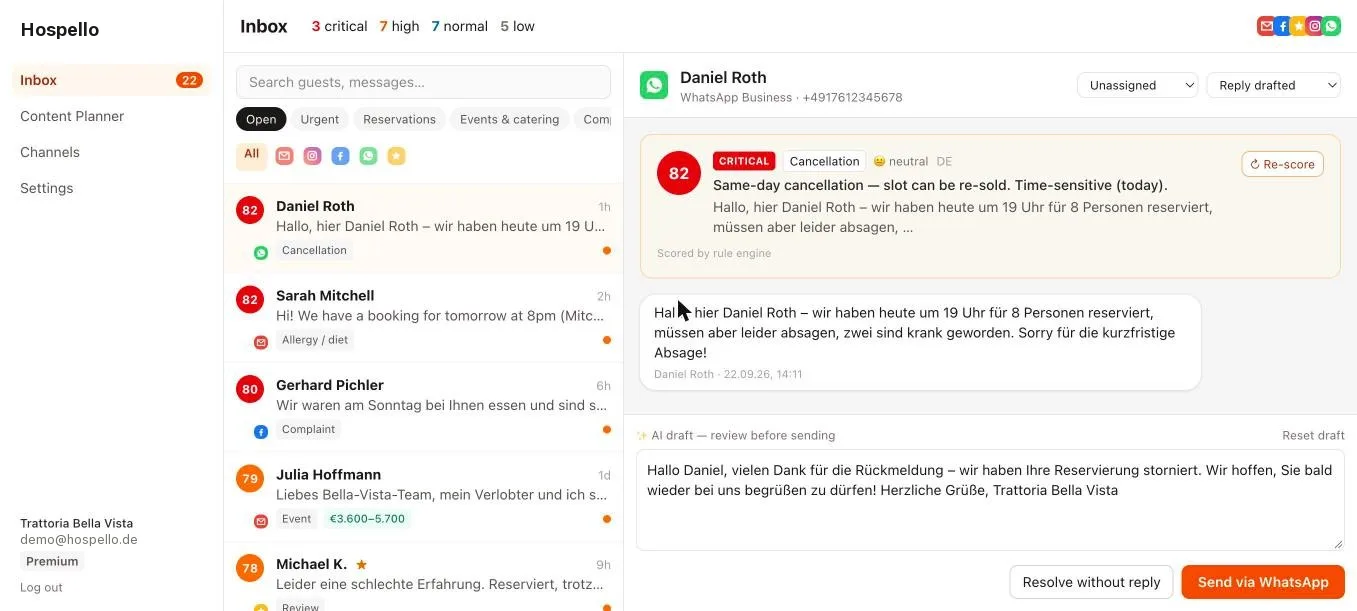
To keep Instagram messages in view alongside WhatsApp, Facebook and email, read our guide on answering guest messages faster.
Music and rights
Business accounts on Instagram only have access to a limited music library of tracks licensed for commercial use. The rules are set out in Meta’s music guidelines. Don’t add music from other sources to your Reels, and always ask before sharing guests’ photos.
Frequently asked questions
How often should a restaurant post on Instagram?
As often as you can keep up. For a small restaurant, three posts a week plus stories at the weekend is a realistic rhythm.
What should a restaurant’s Instagram bio include?
Cuisine, neighbourhood, one thing that sets you apart and a link that goes straight to booking, for example “Homemade pasta · Shoreditch · Lunch from 11:30”.
Can I use any music in Reels?
No. Business accounts should only use tracks from the music library Instagram offers them. Those are licensed for commercial use.
Why don’t I see some direct messages?
Messages from people you don’t follow land in message requests. Check that folder daily, because booking requests often end up there.
Finished posts faster with AI
Taking the photo is usually quick. What takes time is writing captions, planning and coordinating with the team. That’s what the Social Planner in Hospello Pro is for: upload a photo, the AI suggests captions for Instagram and Facebook, staff submit posts for approval, and posts go live at the scheduled time. A hospitality calendar reminds you of key dates in good time.